# A tibble: 1 × 2
  carrier avg_delay
  <chr>       <dbl>
1 F9 21.9Spring 2026 Weekly Updates
2026-04-15
Week 12
Discuss: What to do with week 14?
Final project
Proposal: due 4/11
Presentation: due 5/4
Final repository: due 5/15
Questions
Reading and writing spatial data (and using web services)
Questions
Are the cartographic boundary version of tiger data less accurate? Why would someone not use them?
Cartographic boundary files are designed for display purposes. More detail may not be legible for a larger scale map—so cartographic files are scale-specific (“500k”, “5m”, or “20m”). Natural Earth data is also provided at multiple scales for cartographic purposes.
Is it better to clean data in Excel/Sheets first or bring messy data into R and clean it there?
It is OK to use a spreadsheet when you are getting started—but switching to a R only workflow has advantages. “Cleaning” the data is a transformative process so always make sure to make a copy before modifying a source file.
Since using Excel or CSV for spatial data is risky in professional workflows. Since these formats are so commonplace in the work place what can we to help prevent issues like loss of CRS, missing metadata, and data errors?
Using {openxlsx2} you can set up Excel workbooks with protected sheets or ranges (see how-to in Excel or Sheets) or validation. You can use {labelled} to create a data dictionary and include it with your workbook or sheet.
Read more on Data Organization in Spreadsheets.
What is stopping ERSI Shapefile from being improved so that the file size can be larger and column names can be less restricted?
Systems and software are designed to support specific file format standards. Standards can change—adding or removing options for people building tools around the standard—but then software must also change to support it.
What does “driver” mean in the context of sf::st_drivers()?
GDAL defines a driver as: “A software component that enables reading, writing, and processing of specific raster or vector data formats.”
Week 11
Questions
When using OSM how can we be sure that we are using data that is accurate and up to date?
Comparing to a reference data or using metadata from OSM itself are two common approaches.
A 2021 study found significant associations between road network completeness, positional accuracy, and attribute accuracy and a set of five indicators: “population, average income, density of OSM roads, density of OSM buildings, and number of points of interest (POI).”
When writing functions that take a dataset as input, should we assume it will be a tibble or a data frame? Does it affect how we write the function? When should we use them (tibble vs df)?
Check out the tibble vignette for more details. Key differences for tibbles include not allowing partial matching of column names, using stricter rules for column names, and not allowing row names.
Is it possible to prepare a complete thesis using Quarto and generate the final document in PDF or Word format with all required sections and formatting?
Yes! Quarto extensions include specific journal formats and, with version 1.9, Quarto added support for Typst format book projects including options to have chapters and appendices. For one example see How I’m Writing My Dissertation in Quarto by Carl Colglazier.
tigris and tidycensus questions
Is there any reason for the specific years available in tigris? A lot of functions such as divisions(), places(), or pumas() range from 2013-, 2012-, or 2011-. Why do so many go back to specifically the early 2010s?
How do you know which geographic level (tract vs. block group vs. county) is the best to use for an analysis? Does it really change your results that much?
How does areal interpolation work to account for disparate zonal configurations across years?
In my job I often produce maps using data from the ACS. Given that these maps often have large margins of error how should I go about creating choropleth maps that will be used by other professionals with little to no understanding of field GIS?
Week 9
- Questions
- Geocoding with tidygeocoder or arcgisgeocode
- Writing functions in R
- Creating projects with Quarto
- Exploratory data analysis
Questions
- What does the “loess” method mean in the
geom_smoothfunction? “loess” is for LOESS (locally estimated scatterplot smoothing) - a local regression method.
- Is there a rule of thumb of when to create a function or is it mostly just “you know you need one when you think you do”?
- How do I decide when it’s worth turning code into a function instead of just keeping it in-line?
- In data science workflows, how do we best balance the Don’t Repeat Yourself principle and the use of existing packages with the educational value of writing algorithms from first principles?
Week 6
- Schedule adjustment for 4/1
- Reminders
- Exercise 3 due today
- Exercise 4 due Wednesday, 3/11
- Exercise 5 coming soon
- Exercise 1, 2, or 3 questions?
- Final Project Timeline
- Project proposal - due Wednesday, 3/25
- Final project presentations - due Monday, 5/4
- Final project repository - due Friday, 5/15
- Questions
- Recap: Creating and manipulating attributes for spatial data
- Lecture: Working with spatial and geometric operations in {sf}
- Review two-table verbs with dplyr
Questions
How do you decide the “right” structure for a dataset when it can be organized in more than one tidy way? - Vrinda
Typically, whatever format allows you to efficiently complete the necessary analysis and produce the expected outputs is the “right” structure.
How much does it matter when making the decision on what function to use when smoothing? - Dillon
Check out the smoothr documentation for more details.
You can also use sf::st_simplify() or rmapshaper::ms_simplify() for make less “smooth” lines and polygons.
Which carrier has the worst average delays? Check R for Data Science (2e) - Solutions to Exercises for tips.
There are also solutions available for Geocomputation with R.
Can you disentangle the effects of bad airports vs. bad carriers? (via Solutions Manual: R for Data Science (2e))
nycflights13::flights |>
  group_by(dest, carrier) |>
  summarise(avg_delay = mean(arr_delay, na.rm = TRUE)) |>
  # taking the highest average delay flight at each airport
  slice_max(order_by = avg_delay, n = 1) |>
  ungroup() |>
  # for each airline, summarize the number of airports where it is
  # the most delayed airline
  summarise(n = n(), .by = carrier) |>
  slice_head(n = 5) |>
  arrange(desc(n)) |>
  rename(Carrier = carrier, `Number of Airports` = n) |>
gt::gt()| Carrier | Number of Airports |
|---|---|
| EV | 42 |
| B6 | 20 |
| UA | 14 |
| AA | 6 |
| FL | 2 |
How do you choose when to use st_intersection() vs. st_join() when looking at relationships between layers? - Liam
Reading layer `nc' from data source
  `/Users/bldgspatialdata/Library/R/arm64/4.5/library/sf/shape/nc.shp'
  using driver `ESRI Shapefile'
Simple feature collection with 100 features and 14 fields
Geometry type: MULTIPOLYGON
Dimension:     XY
Bounding box:  xmin: -84.32385 ymin: 33.88199 xmax: -75.45698 ymax: 36.58965
Geodetic CRS: NAD27Simple feature collection with 250 features and 14 fields
Geometry type: POINT
Dimension: XY
Bounding box: xmin: -83.95432 ymin: 33.95729 xmax: -75.74 ymax: 36.52117
Geodetic CRS: NAD27
First 10 features:
AREA PERIMETER CNTY_ CNTY_ID NAME FIPS FIPSNO CRESS_ID BIR74 SID74 NWBIR74
1 NA NA NA NA <NA> <NA> NA NA NA NA NA
2 NA NA NA NA <NA> <NA> NA NA NA NA NA
3 NA NA NA NA <NA> <NA> NA NA NA NA NA
4 NA NA NA NA <NA> <NA> NA NA NA NA NA
5 NA NA NA NA <NA> <NA> NA NA NA NA NA
6 NA NA NA NA <NA> <NA> NA NA NA NA NA
7 NA NA NA NA <NA> <NA> NA NA NA NA NA
8 NA NA NA NA <NA> <NA> NA NA NA NA NA
9 NA NA NA NA <NA> <NA> NA NA NA NA NA
10 NA NA NA NA <NA> <NA> NA NA NA NA NA
BIR79 SID79 NWBIR79 x
1 NA NA NA POINT (-77.88262 36.46326)
2 NA NA NA POINT (-79.5286 35.80675)
3 NA NA NA POINT (-78.22523 34.1304)
4 NA NA NA POINT (-76.47626 36.47915)
5 NA NA NA POINT (-76.67369 35.52544)
6 NA NA NA POINT (-81.67119 35.95259)
7 NA NA NA POINT (-78.04981 34.6797)
8 NA NA NA POINT (-77.80825 34.68794)
9 NA NA NA POINT (-83.87562 35.27735)
10 NA NA NA POINT (-76.46029 35.74718)Simple feature collection with 0 features and 14 fields
Geometry type: GEOMETRYCOLLECTION
Bounding box: xmin: NA ymin: NA xmax: NA ymax: NA
Geodetic CRS: NAD27
[1] AREA PERIMETER CNTY_ CNTY_ID NAME FIPS FIPSNO
[8] CRESS_ID BIR74 SID74 NWBIR74 BIR79 SID79 NWBIR79
[15] x
<0 rows> (or 0-length row.names)Week 5
- Reminder
- Exercises 2 due Friday, 2/27
- Exercise 3 due Wednesday, 3/4
- Interesting and Difficult Things!
- Week 5 Questions
- Finish review of Transforming data with
{dplyr} - Creating and manipulating attributes for spatial data
Interesting Things
- “honestly was just surprised how easy it is to perform geometry operations”
- “we can use distance based joins on two datasets that are meaningfully related even when they don’t intersect”
Difficult Things
- “learning how to do the same thing in multiple different ways”
- “understanding the different binary operators… st_intersects and st_disjoint were intuitive but others like st_covered_by were less clear”
- “finding the time to do the readings”
Questions
“Have you ever had to use DE-9IM strings, will I ever have to use them, can they be practically effectively used by people who are not deep into the lore??” - Lauren
“Do unary and binary geometry operations change the input file or allow you to create a unique output file” - Connor
Week 4
- Updates and reminders
- Common issues with syntax
- Exercise how-to with Quarto
- Exercises 2 and 3 due Friday, 2/27 and Wednesday 3/4 (links coming soon)
- Office Hours on Friday, 2/20 at 12:00 pm
- Week 4 Questions
- Finish review of data visualization example with ggplot2
- Transforming data with
{dplyr}
Questions
When subseting with the [ operator, why do you need a comma and space at the end? e.g. world[world$area_km2 < 10000, ] —Chase
Use ?[ to take a look at the documentation. When using the [ operator to subset a data frame (or an sf object), the first value is the row index and the second is the column index.
Simple feature collection with 1 feature and 6 fields
Geometry type: MULTIPOLYGON
Dimension:     XY
Bounding box:  xmin: -114.8136 ymin: 31.33224 xmax: -109.0452 ymax: 37.00426
Geodetic CRS:  NAD83
  GEOID    NAME REGION            AREA total_pop_10 total_pop_15
2    04 Arizona   West 295281.3 [km^2]      6246816      6641928
                        geometry
2 MULTIPOLYGON (((-114.7196 3...Simple feature collection with 49 features and 1 field
Geometry type: MULTIPOLYGON
Dimension: XY
Bounding box: xmin: -124.7042 ymin: 24.55868 xmax: -66.9824 ymax: 49.38436
Geodetic CRS: NAD83
First 10 features:
NAME geometry
1 Alabama MULTIPOLYGON (((-88.20006 3...
2 Arizona MULTIPOLYGON (((-114.7196 3...
3 Colorado MULTIPOLYGON (((-109.0501 4...
4 Connecticut MULTIPOLYGON (((-73.48731 4...
5 Florida MULTIPOLYGON (((-81.81169 2...
6 Georgia MULTIPOLYGON (((-85.60516 3...
7 Idaho MULTIPOLYGON (((-116.916 45...
8 Indiana MULTIPOLYGON (((-87.52404 4...
9 Kansas MULTIPOLYGON (((-102.0517 4...
10 Louisiana MULTIPOLYGON (((-92.01783 2...Do you always use sf objects when working with spatial data? Or do you switch between spatial and non-spatial formats? —Liam
Yes. Always drop the geometry using sf::st_drop_geometry() if you don’t need it in your output!
Summarising a data frame vs. sf object with bench::mark
Error in `ggplot2::autoplot()`:
! The package "ggbeeswarm" is required to use `type = "beeswarm".
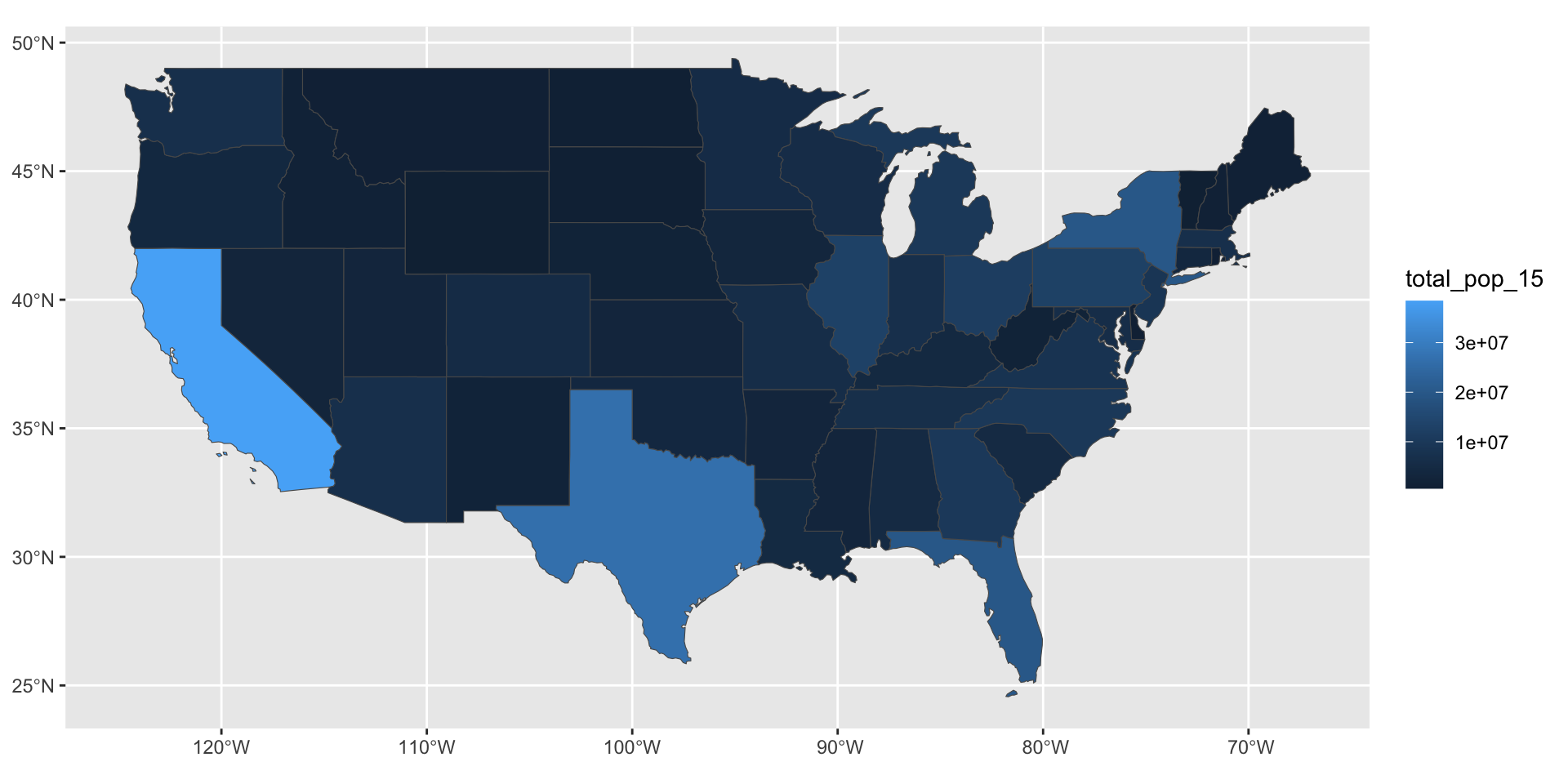
Does it matter the order that you specify parameters for a ggplot? —Lauren
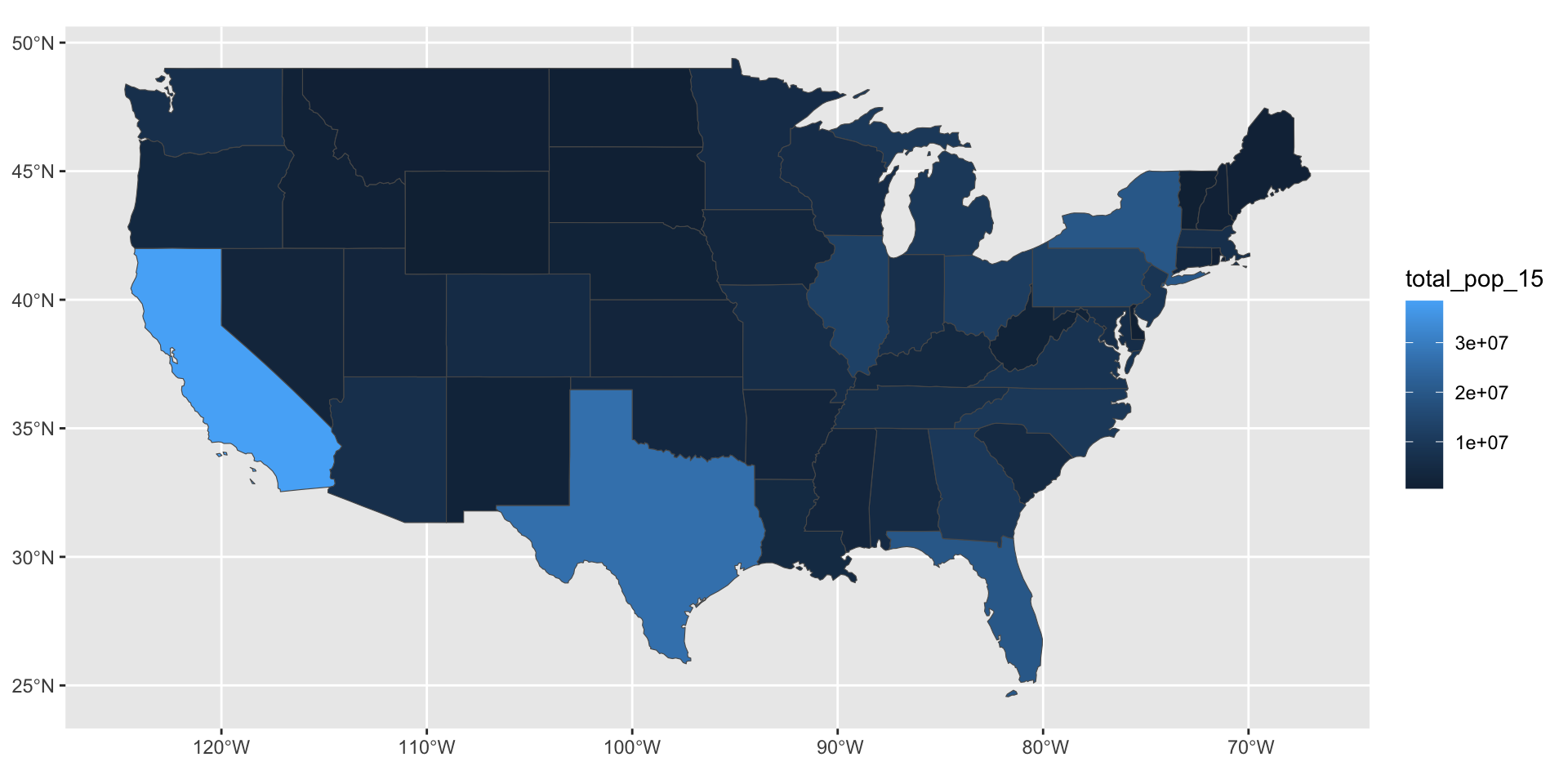
Consistent code style improves the readability of your code and reduces risk of errors but {ggplot2} supports a flexible approach.
This works…
…and this works…
…and this works!
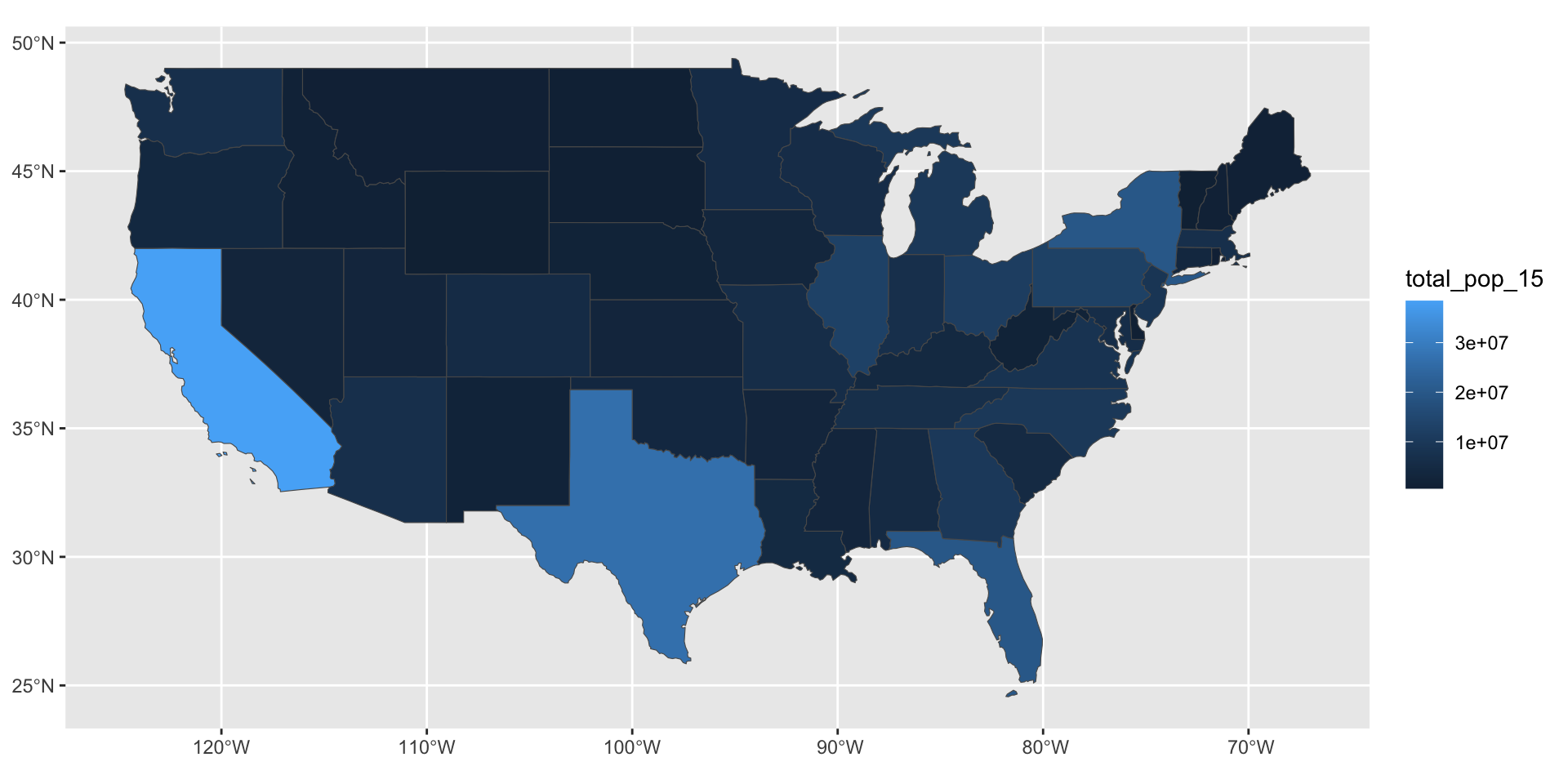
But… this does not work! Do you know why?
Finish review
Download the example script to review:
Week 3
- Week 3 Questions
- Session 2 Quiz
- Visualizing spatial data with {ggplot2}
Questions
What are some effective ways to familiarize yourself with the language of different packages without rote memorization of their functions? —Brian
- Cheatsheets, e.g. RStudio, ggplot2
- Community resources, e.g. ggplot2 Theme Elements Reference Sheet
- Naming conventions, e.g.
geom_<type of geometry to show on plot>
Is there an easy way to plot summary statistics (e.g. mean, min, max)? —Lauren
    state           median_income_10 median_income_15 poverty_level_10
 Length:51          Min.   :20019    Min.   :21438    Min.   :  52297
 Class :character   1st Qu.:23995    1st Qu.:24952    1st Qu.: 204702
 Mode  :character   Median :25432    Median :26943    Median : 577247
                    Mean   :26144    Mean   :27500    Mean   : 802304
                    3rd Qu.:29072    3rd Qu.:30376    3rd Qu.: 822568
                    Max.   :35264    Max.   :40884    Max.   :4919945
 poverty_level_15
 Min.   :  64995
 1st Qu.: 238146
 Median : 636947
 Mean   : 936256
 3rd Qu.: 961445
 Max.   :6135142
Is there an easy way to plot summary statistics (e.g. mean, min, max)? —Lauren
| Name | spData::us_states_df |
| Number of rows | 51 |
| Number of columns | 5 |
| _______________________ | |
| Column type frequency: | |
| character | 1 |
| numeric | 4 |
| ________________________ | |
| Group variables | None |
Variable type: character
| skim_variable | n_missing | complete_rate | min | max | empty | n_unique | whitespace |
|---|---|---|---|---|---|---|---|
| state | 0 | 1 | 4 | 20 | 0 | 51 | 0 |
Variable type: numeric
| skim_variable | n_missing | complete_rate | mean | sd | p0 | p25 | p50 | p75 | p100 | hist |
|---|---|---|---|---|---|---|---|---|---|---|
| median_income_10 | 0 | 1 | 26143.84 | 3562.11 | 20019 | 23995.0 | 25432 | 29072.0 | 35264 | ▅▇▃▃▂ |
| median_income_15 | 0 | 1 | 27500.08 | 3797.63 | 21438 | 24951.5 | 26943 | 30375.5 | 40884 | ▇▇▅▁▁ |
| poverty_level_10 | 0 | 1 | 802304.18 | 949185.01 | 52297 | 204702.0 | 577247 | 822568.0 | 4919945 | ▇▁▁▁▁ |
| poverty_level_15 | 0 | 1 | 936255.75 | 1138461.52 | 64995 | 238146.0 | 636947 | 961445.0 | 6135142 | ▇▁▁▁▁ |
Why are some CRS values NA while some are specific datum (WGS84, etc)? —Nhi
Coordinate Reference System: NACoordinate Reference System:
User input: EPSG:4269
wkt:
GEOGCS["NAD83",
DATUM["North_American_Datum_1983",
SPHEROID["GRS 1980",6378137,298.257222101,
AUTHORITY["EPSG","7019"]],
TOWGS84[0,0,0,0,0,0,0],
AUTHORITY["EPSG","6269"]],
PRIMEM["Greenwich",0,
AUTHORITY["EPSG","8901"]],
UNIT["degree",0.0174532925199433,
AUTHORITY["EPSG","9122"]],
AUTHORITY["EPSG","4269"]]Why do some of the exercises start with the library function and not have you initially install a library? —Kyle
What actually is an observation and how is it different than a variable? —Dillon
A variable is something you can measure. An observation is a set of measurements.